
Capsa Healthcare
Workstations on Wheels and Wall Arms for Hospitals
LIOMAR supplies Capsa Healthcare workstations across Canada: powered and non-powered carts, Tryten telehealth carts and wall arms. Each one carries a computer, a monitor or a tablet to the point of care. We are your first point of contact for service, with Capsa.
All workstations
Filters
Tryten P1 Telehealth Monitor Cart
Non-powered telehealth cart · Monitor up to 9.5 lb (4.3 kg), VESA 75 or 100 · Base 18.7 to 20.6 in (47.5 to 52.3 cm)
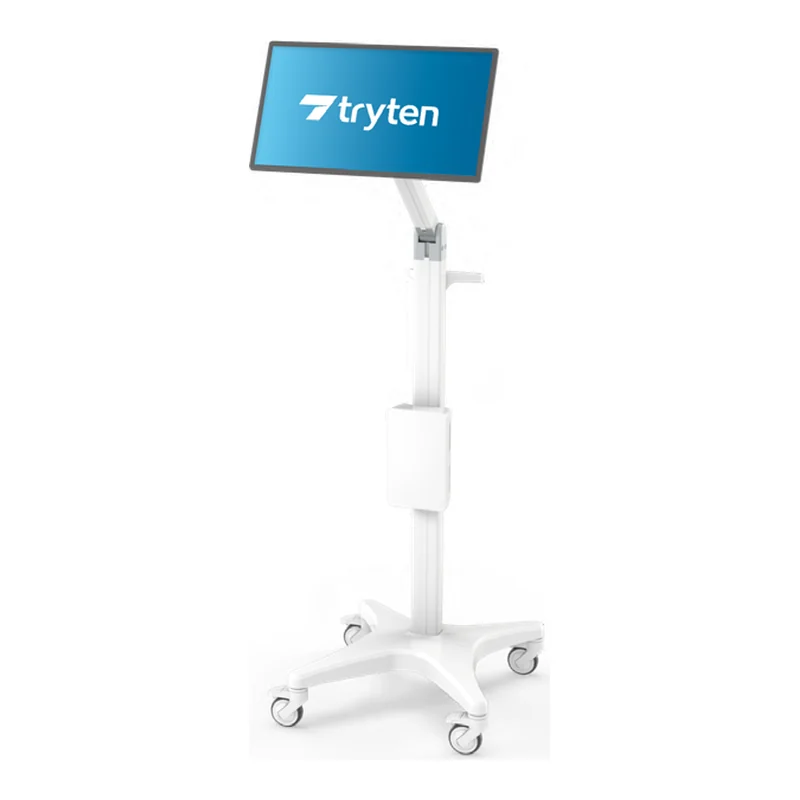
Tryten P5 Telehealth Monitor Cart
Non-powered telehealth cart · Up to 30 lb (13.6 kg) of peripherals · Height 71.7 in (182.1 cm)
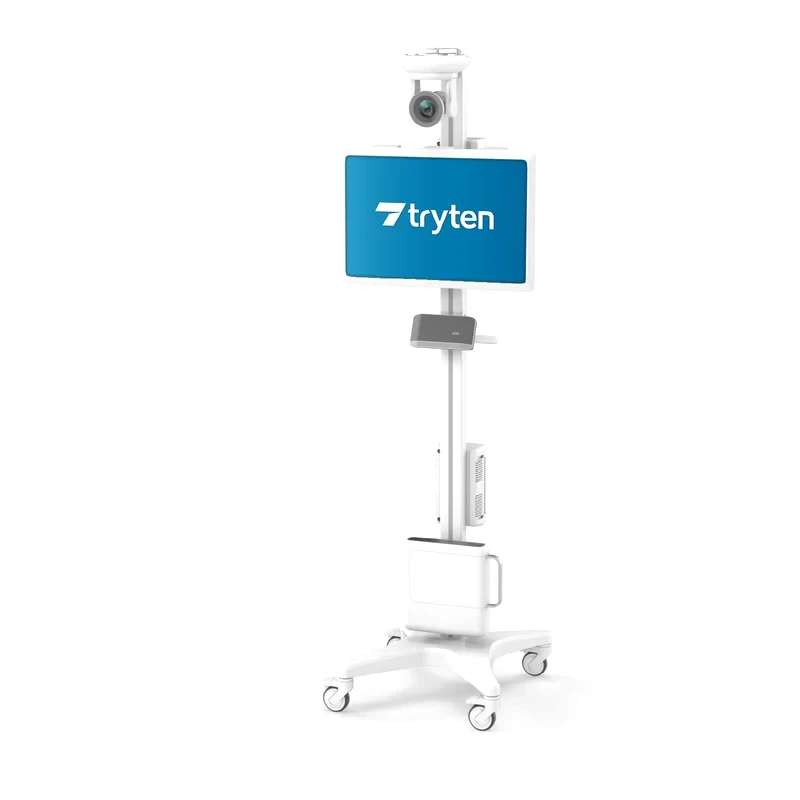
Tryten P6 Telehealth Monitor Cart
Non-powered telehealth cart · Tablet or flat-screen monitor · Up to 25 lb (11.3 kg) of peripherals
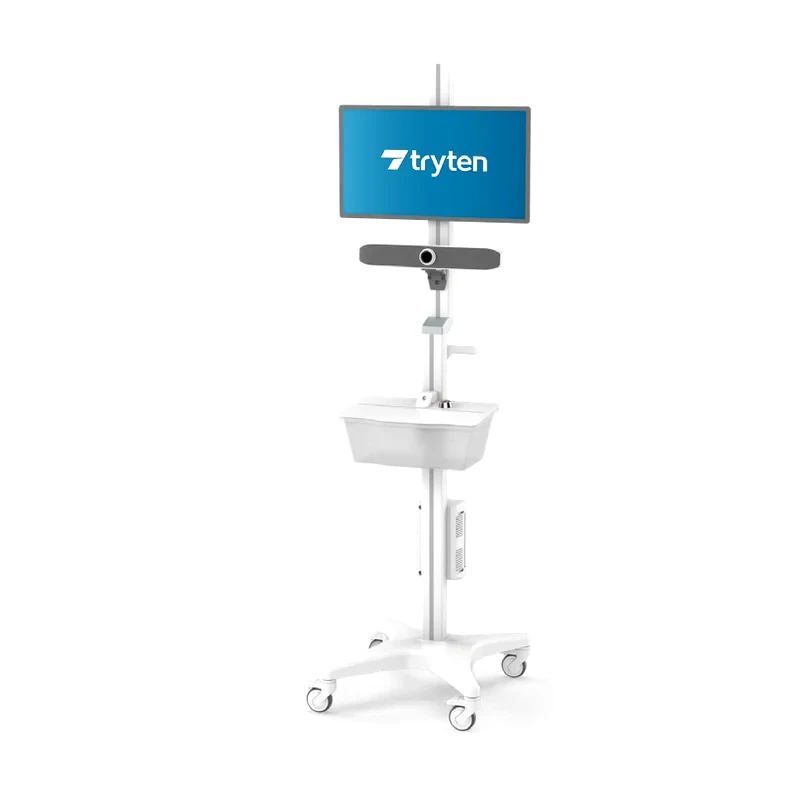
Tryten S1 Mobile Tablet Stand
Non-powered tablet stand · Tablets 9.5 to 12.95 in (24.1 to 32.9 cm) · Cart weight 35 lb (15.9 kg)
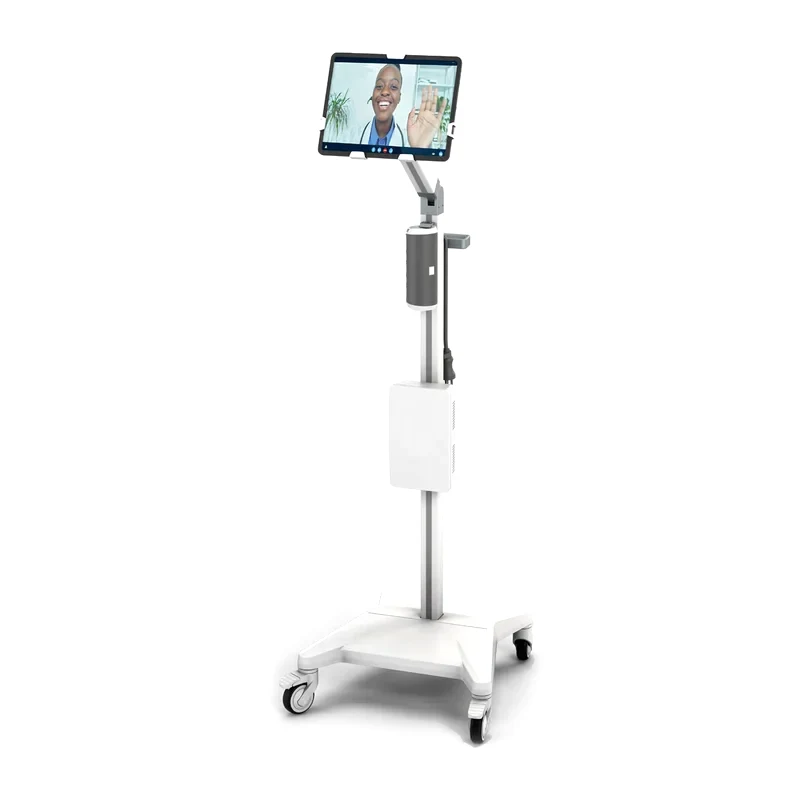
Tryten S2 Telehealth Tablet Cart
Non-powered tablet cart · Tablets up to 12.95 in (32.9 cm), 3.5 lb (1.6 kg) · Tilts, pans 180°, rotates 360°
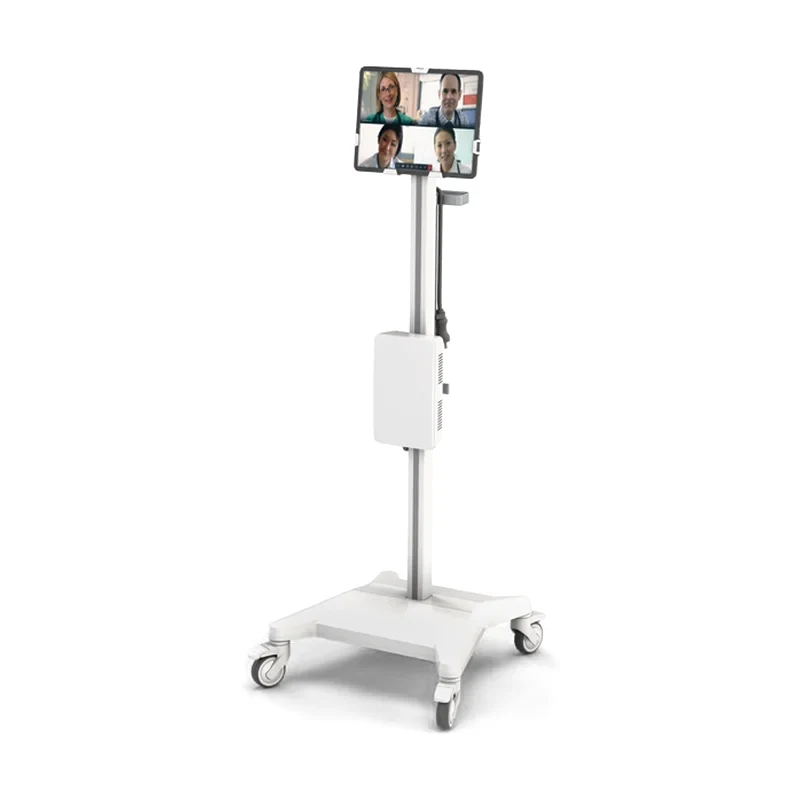
Tryten S5 Telehealth Monitor Cart
Non-powered telehealth cart · Tablet or monitor up to 22 in (55.9 cm) · Height 68.7 in (174.5 cm)
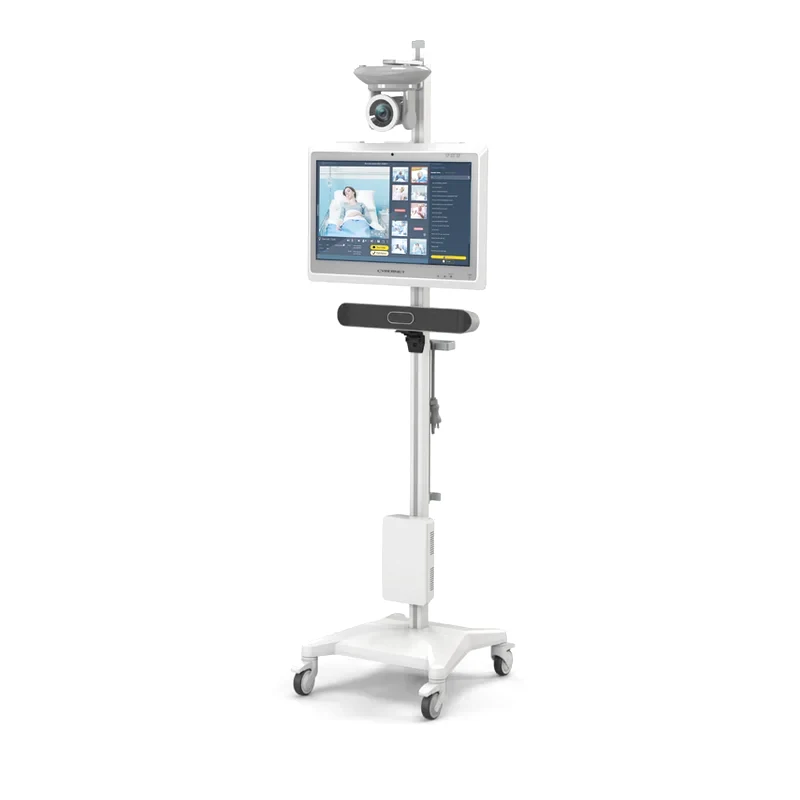
Compare the powered workstations
Figures from Capsa Healthcare brochure C-364 and capsahealthcare.com. Computer and monitor not included.
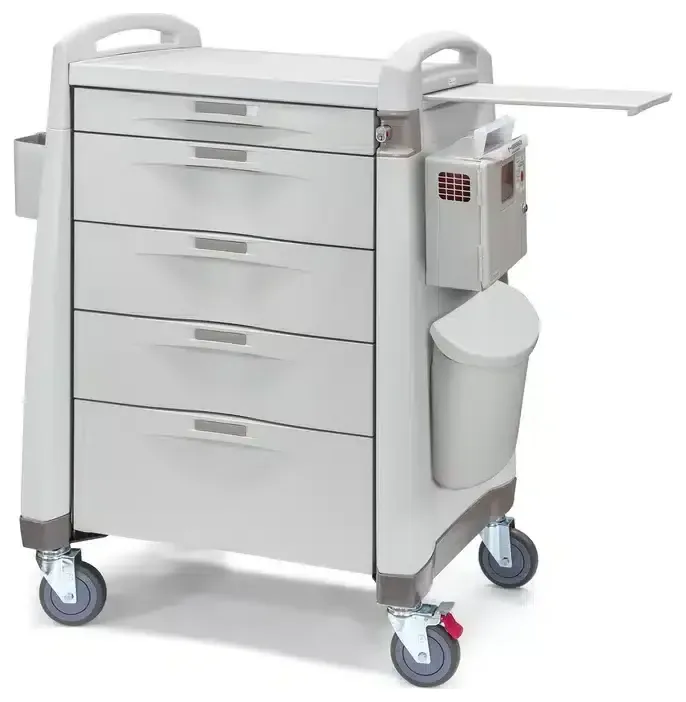
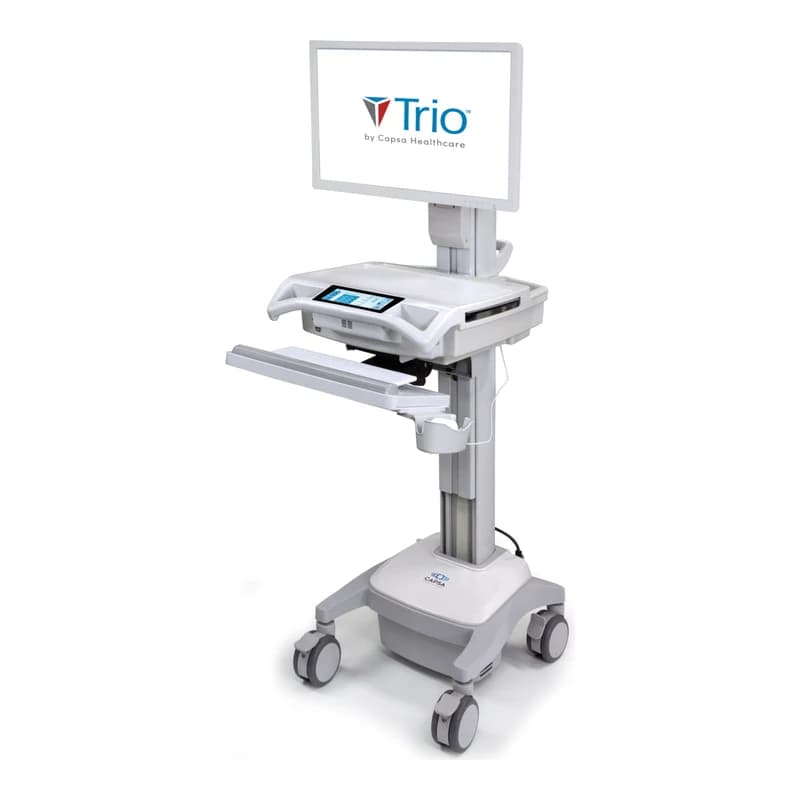 Trio Mobile Computing Workstation Trio Mobile Computing Workstation | 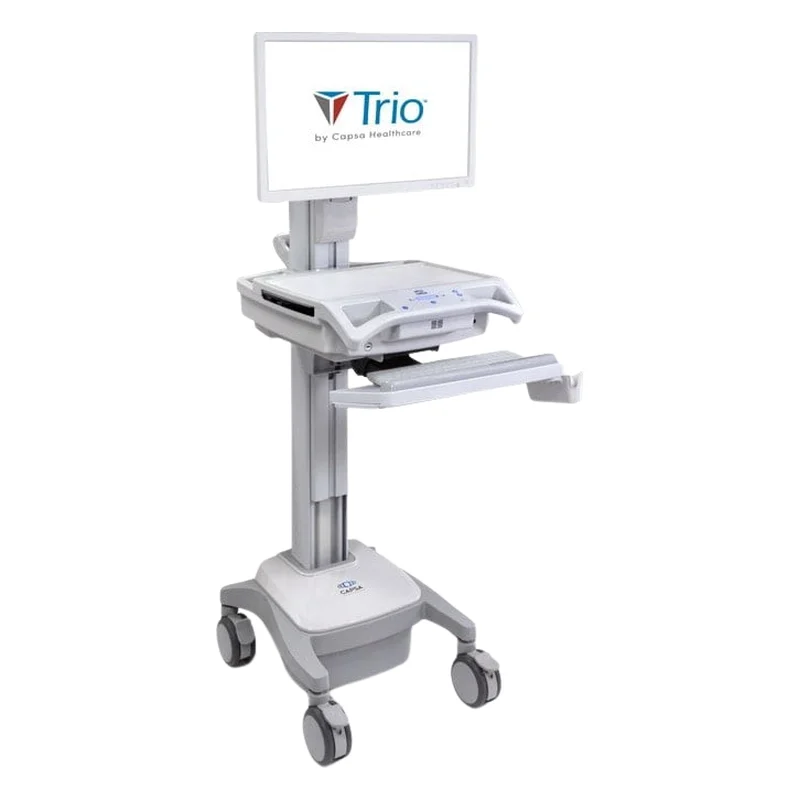 Trio LT Computing Workstation Trio LT Computing Workstation | 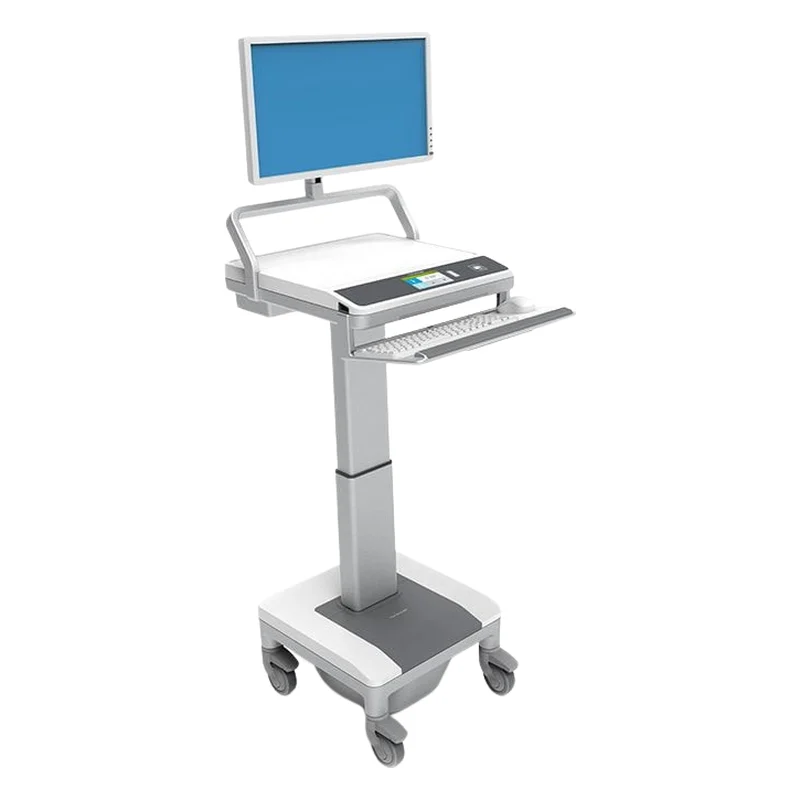 T7 Powered Mobile Technology Cart T7 Powered Mobile Technology Cart | |
|---|---|---|---|
| Power system | GoLiFe lithium iron phosphate, 7.8 to 19.8 h at 30 W average use | GoLiFe lithium iron phosphate, 7.8 to 19.8 h at 30 W average use | Lithium iron phosphate battery, 120 VAC pure sine wave, 150 W continuous |
| Work surface height | 33.5 to 49.5 in (85 to 125.7 cm) | 33.5 to 49.5 in (85 to 125.7 cm) | 27.6 to 47.5 in (70 to 120.7 cm) |
| Height adjustment | Manual or electronic lift, by model; memory presets for each user | Manual or electronic lift | AutoFit, motorized |
| Footprint | 16.53 × 17.64 in (41.9 × 44.8 cm) | 16.53 × 17.64 in (41.9 × 44.8 cm) | Base 18.1 × 19.5 in (46 × 49.5 cm) |
| Computer | Cavity 17 × 13.25 × 3 in (43.2 × 33.65 × 7.62 cm) | Cavity 17 × 13.25 × 3 in (43.2 × 33.65 × 7.62 cm) | Up to 17.35 × 12.3 × 2.25 in (44 × 31.25 × 5.7 cm) |
| Storage | Standard bins or MaxBin drawers, electronic locking or non-locking | Standard bins with a key lock or without a lock, or MaxBin drawers | Up to 5 drawers (option): no lock, key lock or electronic keypad lock |
Not sure which workstation fits your unit?
Tell us the device it must carry, whether it needs a battery for the shift and where it will be used: patient room, corridor or nursing station. We suggest the Capsa models that fit and prepare your quote.
Questions about workstations
What is a WOW in a hospital?
WOW stands for workstation on wheels, also called a COW (computer on wheels): a mobile cart that carries a computer, a monitor and a keyboard to the bedside. Powered models such as the Capsa Trio run the equipment from a battery; non-powered carts such as the SlimCart carry a laptop or a tablet.
What is a telehealth cart?
A telehealth cart is a mobile stand that carries a monitor or tablet, a camera and a speakerphone for remote consultations. The Capsa Tryten P5, for example, holds up to 30 lb (13.6 kg) of peripherals in total, and every Tryten cart is IEC 60601 tested for tip resistance, according to Capsa.
How do workstations adjust for sitting and standing work?
By the height of the work surface. On the Trio, it moves from 33.5 to 49.5 in (85 to 125.7 cm), with memory presets for each user. AutoFit on the powered T7 moves the work surface, keyboard and display together over 20 in (50.8 cm). The Slim Line wall arm adjusts over 15 in (38.1 cm), with a locked position.
Related equipment
Request a quote for workstations
Tell us the type of workstation, the device it carries and how many you need.
- A reply within two business daysA representative contacts you to understand your unit, your equipment needs and your timeline.
- Equipment that fits your unitWe suggest models for your space, your care team and your purchasing process.
- Documents for your purchasing teamSpecifications and the documentation your purchasing committee or tender requires.
- Your first contact after deliveryFor service and questions, you reach the same team.