
By Capsa Healthcare
Tryten P6 Telehealth Monitor Cart
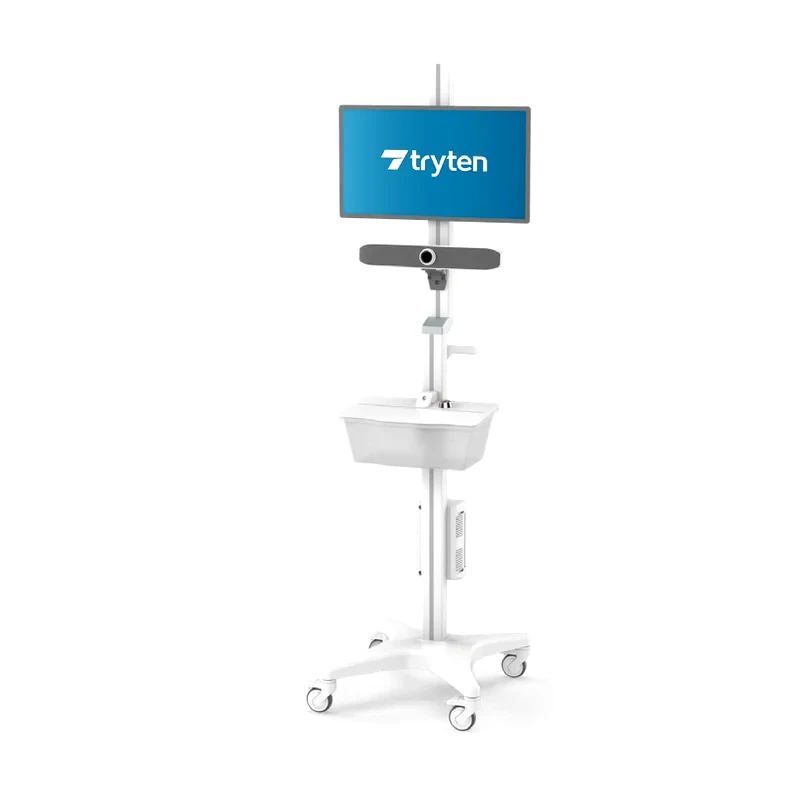
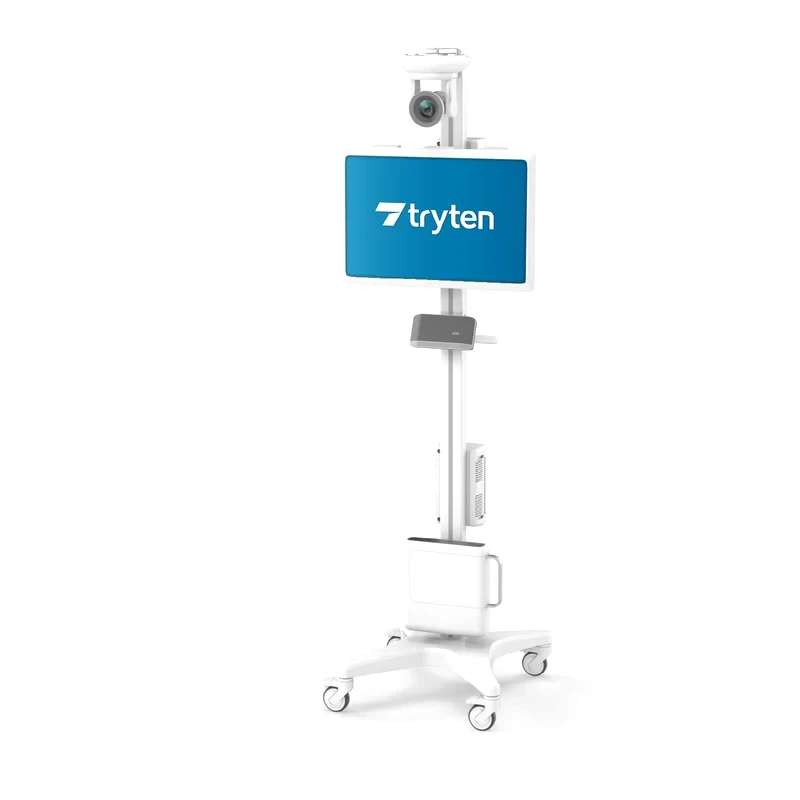
A tall monitor cart that brings telemedicine and video services into hospital rooms and surgery centres. Capsa lists it for telehealth, video remote interpreting, virtual rounding, virtual visits, EHR workflows and as a conference room on wheels. LIOMAR helps you choose the accessories for your equipment. The monitor, the camera, the computer and the peripherals are not included.
- Height of 72 in (182.9 cm), with a 28 in (71.1 cm) column extension and an offset adapter
- Tablet or flat-screen monitor; peripheral weight capacity of 25 lb (11.3 kg), according to Capsa’s P6 page
- Base footprint of 18.7 to 20.6 in (47.5 to 52.3 cm); cart weight 43 lb (19.5 kg)
- IEC 60601 tested for tip resistance, according to Capsa
The screen at the top of the column
Capsa lists the P6 for telehealth, video remote interpreting, virtual rounding, virtual visits and EHR workflows. The 72 in (182.9 cm) pole positions the camera and the monitor higher for viewing.
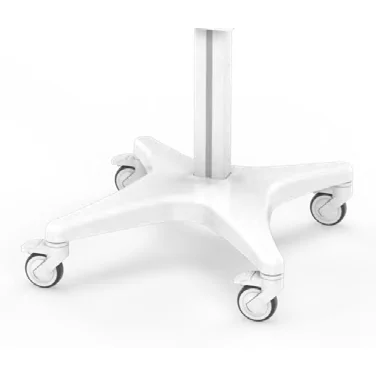
According to Capsa, the P-Series base is 21% larger and 55% heavier than the S-Series base, and supports the peripherals while taking up little floor space.
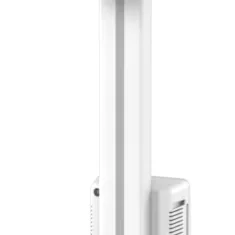
The larger P-Series column conceals the cables, for safe operation and easy cleaning, and leaves room for more accessories.
Features of this telehealth cart
72 in pole height
A 28 in (71.1 cm) column extension and an offset adapter bring the cart to 72 in (182.9 cm).
Tablet or monitor
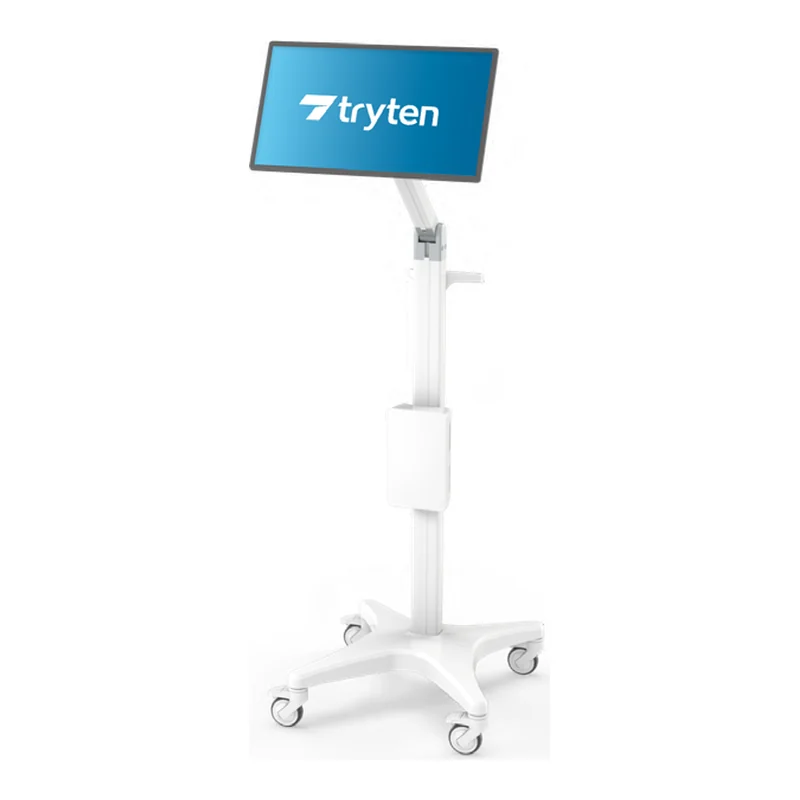
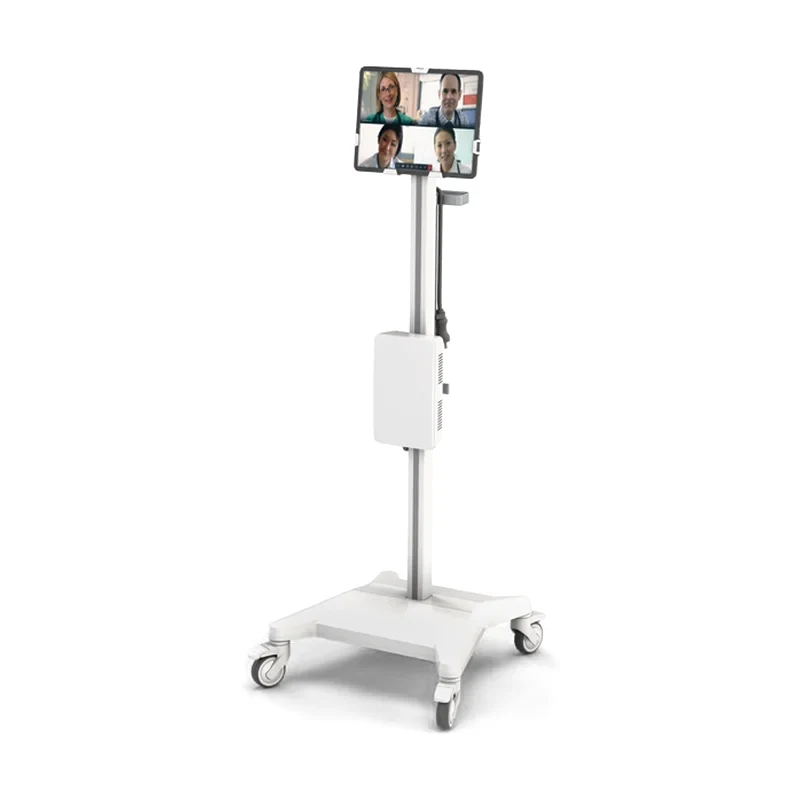
The P6 securely holds a tablet or a flat-screen monitor, according to Capsa.
Utility box with power points
A large utility box adjusts in height and holds the power points for plugging in devices.
Modular design
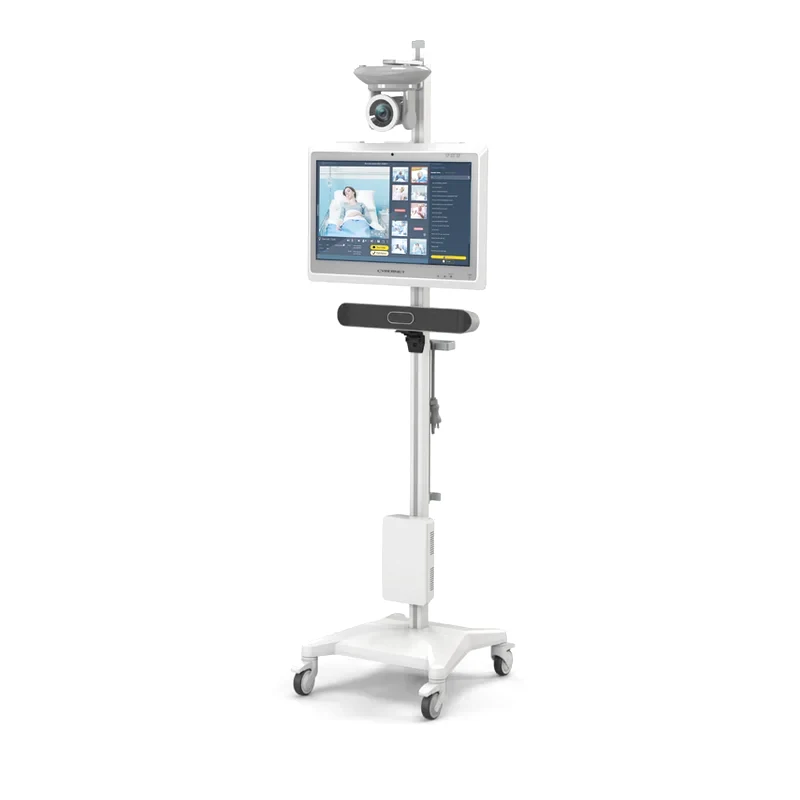
More than 40 Tryten accessories: camera, speaker bar, speakerphone, mini PC, keyboard tray.
Wipeable components
Medical-grade components that can be wiped down, on quiet, non-marking casters that lock.
See the Tryten telehealth carts
Tryten presents its range of telehealth carts.
Specifications and configuration
Tryten P6
18.7 to 20.6 in (47.5 to 52.3 cm)Base footprint
- Cart weight
- 43 lb (19.5 kg)
- Utility box, inside
- 8.6 × 3.9 × 2.0 in (21.8 × 9.9 × 5.1 cm)
- Utility box, outside
- 9.2 × 5.5 × 2.8 in (23.4 × 14.0 × 7.1 cm)
- Total cart height
- 72 in (182.9 cm)
- Column extension
- 28 in (71.1 cm)
- Adapter
- Offset
- Peripheral weight capacity
- 25 lb (11.3 kg) on Capsa’s P6 page; the brochure gives 30 lb (13.6 kg)
- In the box
- P-Series pole, offset adapter and 28 in (71.1 cm) column extension, base with locking casters, large utility box, ergonomic handle, 2 cord wrap T-bars, hardware pack, assembly instructions
- Optional accessories
- Keyboard and mouse tray, supply caddy, multipurpose equipment holder, work surface, speakerphone brackets (JBL Flip 5, Poly Sync 20, Jabra 410/510, Jabra 710/750), Universal PTZ camera bracket, Poly P15 and Poly X50 speaker bar brackets, Poly X30 mount, Logitech MeetUp mount and swivel mount, OmniTab tablet bracket, Dell OptiPlex Micro PC mount, single tab and triple tab extension cords
- Tip resistance
- IEC 60601 tested for tip resistance, according to Capsa
- Casters
- Whisper-quiet, non-marking, lockable
- Monitor, camera, computer and peripherals
- Not included
- Manufacturer warranty
- Provided by Capsa Healthcare. Terms are confirmed with your quote.
- Service
- LIOMAR is your first point of contact and works with Capsa Healthcare on repairs.

About the manufacturer
Capsa Healthcare makes medication carts and cabinets, medical carts, computing workstations and medication management solutions for hospitals and long-term care homes. Its products are installed in more than 70 countries.
LIOMAR distributes Capsa products in Canada. We prepare your quote and remain your first point of contact after delivery, working with Capsa on repairs.
Questions about the Tryten P6
How is the Tryten P6 different from the Tryten P5?
Both are P-Series monitor carts with the same base, the same 28 in (71.1 cm) column extension and the same utility box. The P5 ends with a straight adapter and rises to 71.7 in (182.1 cm). The P6 ends with an offset adapter and rises to 72 in (182.9 cm), which, according to Capsa, positions the camera and the monitor higher for viewing. Capsa’s pages give 42 lb (19.1 kg) for the P5 and 43 lb (19.5 kg) for the P6. For the peripherals, the P5 page gives 30 lb (13.6 kg) and the P6 page 25 lb (11.3 kg): we confirm the figure with Capsa for your configuration.
What equipment is needed for a teleconsultation with the Tryten P6?
On the cart: a monitor or a tablet, a camera, a speakerphone or a speaker bar, and the computer that runs your telehealth platform. Capsa offers for the P6 a Universal PTZ camera bracket, Logitech MeetUp mounts, Poly P15 and X50 speaker bar brackets, a Poly X30 mount, JBL, Poly and Jabra speakerphone brackets and a Dell OptiPlex Micro PC mount; the utility box holds the power points. None of these devices is included: your telehealth platform sets the list, and we confirm that it fits the P6.
Can the Tryten P6 hold a tablet?
Yes. According to Capsa, the P6 securely holds a tablet or a flat-screen monitor, and the OmniTab tablet bracket is offered as an option. For a tablet alone, the Tryten S1 and S2 are lighter, at 35 lb (15.9 kg) against 43 lb (19.5 kg) for the P6. Tell us your tablet model and we confirm the bracket with Capsa.
How much does the Tryten P6 telehealth cart cost?
The price depends on the accessories and the number of carts. Request a quote and a representative replies within two business days. The monitor, the camera and the peripherals are not included, and the lead time is confirmed with your quote.
Other medical workstations
Request a quote for the Tryten P6
Tell us how many carts you need, and the monitor, camera and speakerphone each cart will carry.
- A reply within two business daysA representative contacts you to understand your unit, your equipment needs and your timeline.
- Equipment that fits your unitWe suggest models for your space, your care team and your purchasing process.
- Documents for your purchasing teamSpecifications and the documentation your purchasing committee or tender requires.
- Your first contact after deliveryFor service and questions, you reach the same team.