
By Capsa Healthcare
SlimCart Mobile Laptop Cart
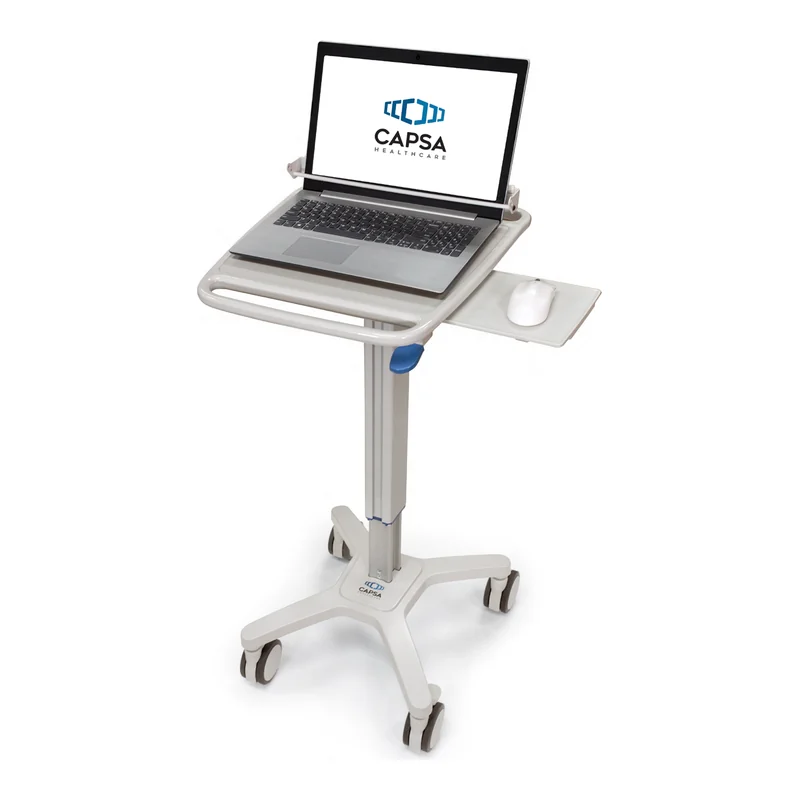
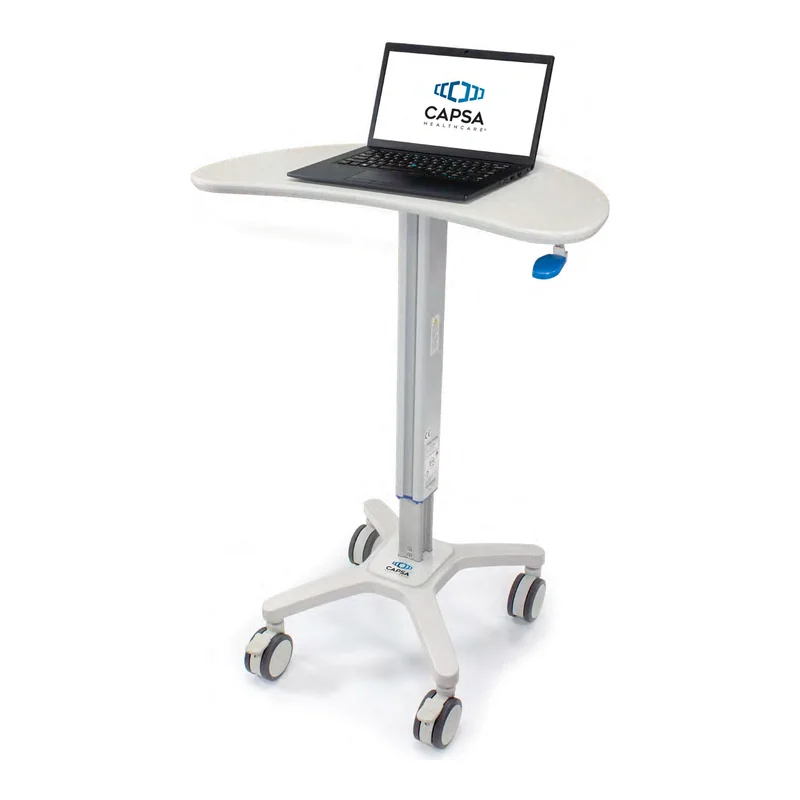
A non-powered documentation cart for clinicians who move from patient to patient with a laptop, a tablet or a lightweight monitor. Capsa lists it for patient triage, physician rounds, patient registration, outpatient areas, ICU, operating rooms and med/surg. LIOMAR helps you choose the configuration and the accessories. The computer is not included.
- Carries a laptop, a tablet or a lightweight monitor with a keyboard tray
- Display up to 8 lb (3.6 kg)
- Footprint of 15.35 to 16.02 × 16.73 in (39 to 40.7 × 42.5 cm)
- Height from 33.25 to 49.5 in (84.5 to 125.7 cm), adjusted by hand; from 27 lb (12.25 kg)
A light cart for documentation on the move
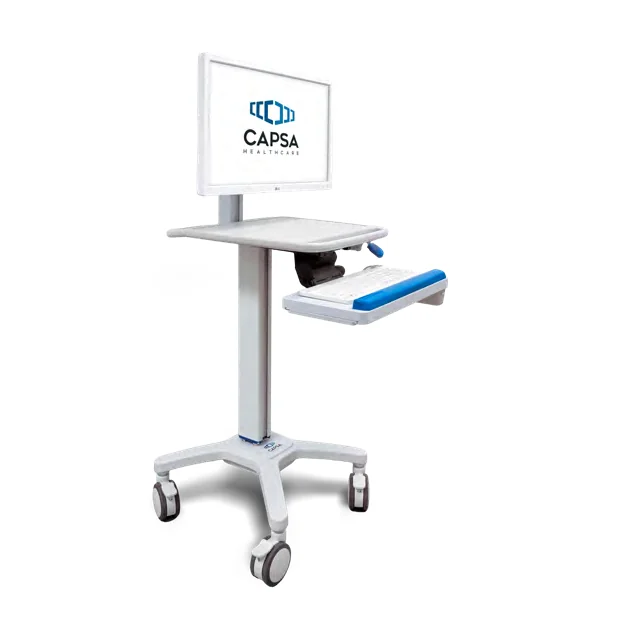
Capsa configures the SlimCart with a laptop, a tablet or a lightweight monitor with a keyboard tray. The display can weigh up to 8 lb (3.6 kg).
A mouse surface slides out to the left or to the right of the work surface, which offers 14.52 × 12.35 in (36.9 × 31.4 cm) of work area.
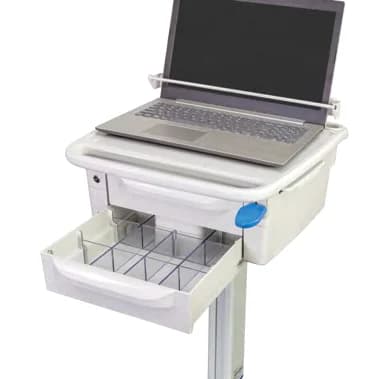
One or two removable drawers that lock with a key, each 9.6 in (24.4 cm) wide and 2.7 in (6.9 cm) high inside.
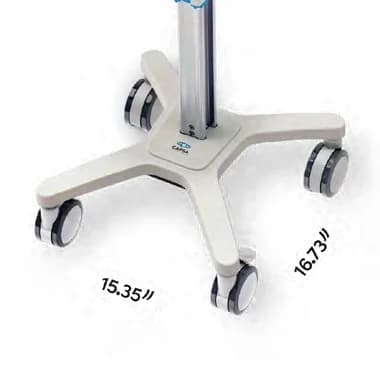
The base takes 15.35 to 16.02 × 16.73 in (39 to 40.7 × 42.5 cm) of floor space and rolls on 4 in (10.2 cm) casters, locking at the front.
Features of this laptop cart
Three configurations
A laptop, a tablet, or a lightweight monitor with a keyboard tray (option), on the same cart.
Height set by hand
A manual lift gives 16.25 in (41.3 cm) of adjustment, from 33.25 to 49.5 in (84.5 to 125.7 cm).
Key-locking drawers (option)
One or two removable drawers under the work surface, locked with a key.
Slide-out mouse surface
The mouse surface slides out on either side of the work surface.
From 27 lb (12.25 kg)
A non-powered cart: no battery to charge, and a starting weight of 27 lb (12.25 kg) before accessories.
See the SlimCart
Capsa presents the SlimCart and its configurations.
Specifications and configuration
SlimCart
8 lb (3.6 kg)Display max weight
- Starting weight
- 27 lb (12.25 kg)
- Casters
- 4 in (10.2 cm), locking at the front
- Lift type
- Manual
- Footprint
- 15.35 to 16.02 × 16.73 in (39 to 40.7 × 42.5 cm)
- Height range
- 33.25 to 49.5 in (84.5 to 125.7 cm)
- Adjustment range
- 16.25 in (41.3 cm)
- Work area
- 14.52 × 12.35 in (36.9 × 31.4 cm)
- Work surface, outside
- 17.28 × 20.39 in (43.9 × 51.8 cm)
- Drawer, inside (W × D × H)
- 9.6 × 8 to 10.8 × 2.7 in (24.4 × 20.3 to 27.4 × 6.9 cm)
- Configurations
- Laptop; tablet; lightweight monitor with keyboard tray
- Work surface
- Mouse surface that slides out on both sides
- Storage (option)
- One or two removable drawers that lock with a key
- Optional accessories
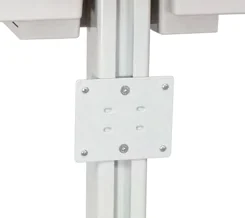
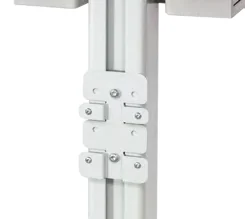
- Keyboard tray, removable bins, laptop security bar for laptops up to 16.3 in (41.4 cm) wide, forked scanner holder, scanner shelf, scanner mount plate, power supply holder, wire basket, left and right blank cover plates, PDI wipe mount, CaviWipe mount
- Power
- Non-powered cart, no battery
- Computer and display
- Not included
- Manufacturer warranty
- Provided by Capsa Healthcare. Terms are confirmed with your quote.
- Service
- LIOMAR is your first point of contact and works with Capsa Healthcare on repairs.
Accessories
Name the ones you need in your quote request.
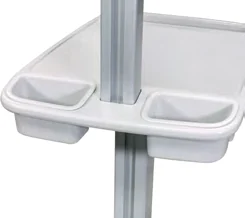
- Removable bins
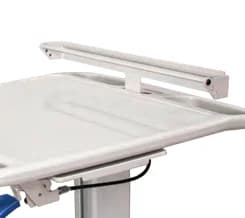
- Laptop security bar
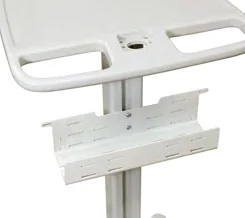
- Power supply holder
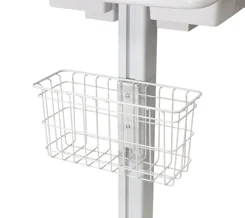
- Wire basket
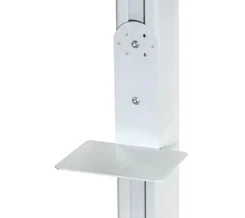
- Scanner shelf
- CaviWipe mount
- PDI wipe mount

About the manufacturer
Capsa Healthcare makes medication carts and cabinets, medical carts, computing workstations and medication management solutions for hospitals and long-term care homes. Its products are installed in more than 70 countries.
LIOMAR distributes Capsa products in Canada. We prepare your quote and remain your first point of contact after delivery, working with Capsa on repairs.
Questions about the SlimCart
Can the SlimCart carry a laptop?
Yes. The laptop configuration is one of the three that Capsa offers for the SlimCart: the laptop sits on the work surface, with a mouse surface that slides out to the side. An optional security bar holds laptops up to 16.3 in (41.4 cm) wide on the cart. The laptop is not included: tell us its model and we confirm the configuration with your quote.
Does the SlimCart have a battery?
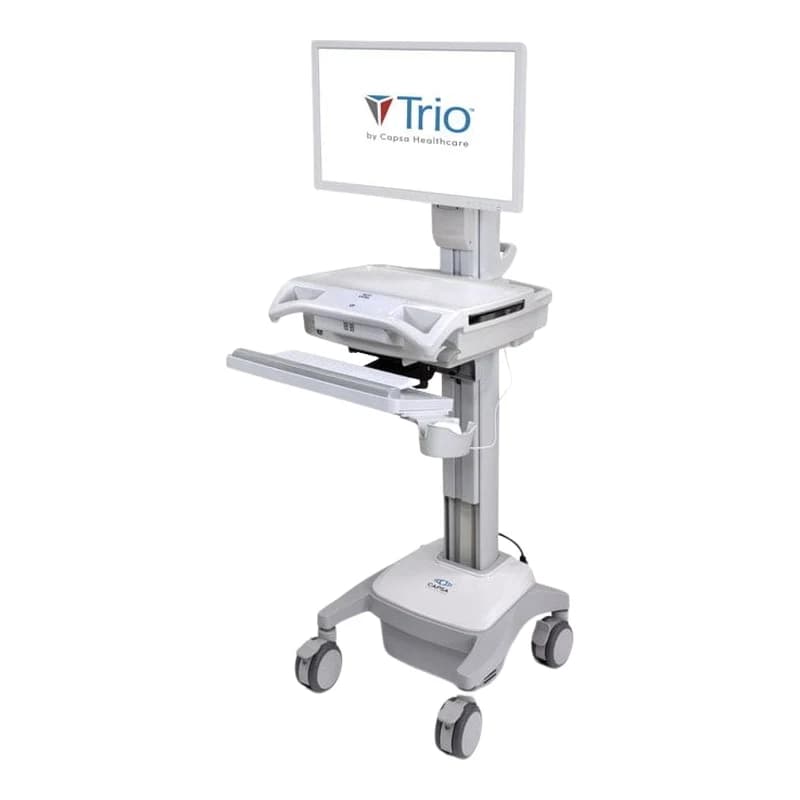
No. The SlimCart is a non-powered cart: the laptop runs on its own battery, and nothing on the cart needs charging. Capsa offers a power supply holder as an option. If the computer must draw power from the cart for a whole shift, ask us about the Trio Mobile Computing Workstation, a powered Capsa workstation.
Which accessories can be added to the SlimCart?
Capsa groups them by task: storage (one or two locking drawers, removable bins, a wire basket), scanning (forked scanner holder, scanner shelf, scanner mount plate), disinfecting wipes (PDI and CaviWipe mounts), a power supply holder, a laptop security bar and a keyboard tray for the monitor configuration. Capsa also builds other accessories for specific setups: tell us what the cart must carry.
How much does the SlimCart cost?
The price depends on the configuration (laptop, tablet or monitor), the drawers, the accessories and the number of carts. Request a quote and a representative replies within two business days. The computer is not included, and the lead time is confirmed with your quote.
Request a quote for the SlimCart
Tell us how many carts you need, the device each cart will carry and the accessories you want.
- A reply within two business daysA representative contacts you to understand your unit, your equipment needs and your timeline.
- Equipment that fits your unitWe suggest models for your space, your care team and your purchasing process.
- Documents for your purchasing teamSpecifications and the documentation your purchasing committee or tender requires.
- Your first contact after deliveryFor service and questions, you reach the same team.